vLLM Tuning For Low Memory
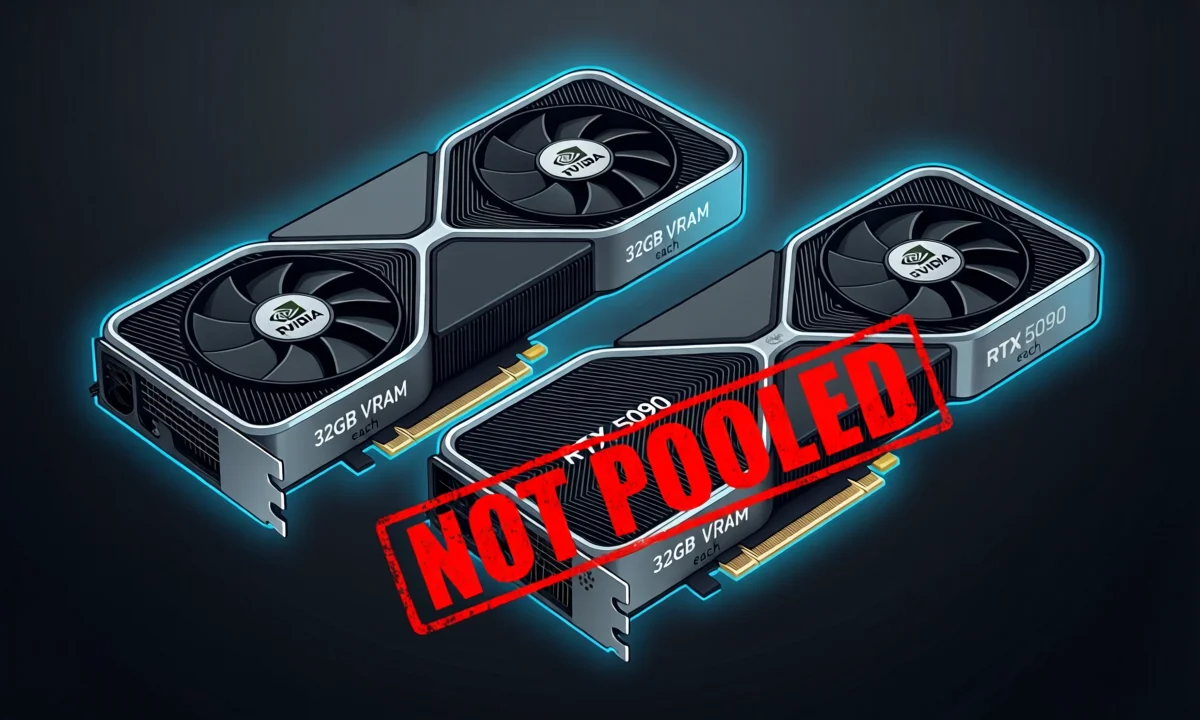
The problem VRAM is King!
I have two AI nodes, one is running two 5090s the other two 3090s with NVLink. They're running Proxmox and containers so it's easy to try different configs, restore backups, etc. Altogether, between these machines, I have 112GB of VRAM, that amount of VRAM allows running of a couple of smaller models or large ones split across all of them via llama.cpp using rpc and vLLM.
There's a big difference between vLLM and llama.cpp however, and reasons to use one over the other.
vLLM
If you want fast inference supporting multiple users (or agents) at once the best option is vLLM bar none. However it comes with some drawbacks. VRAM is not pooled like it is in llama.cpp, and all the memory required for the model (including KV cache) are loaded right from the beginning so there are no surprises. You can offload to system RAM but vLLM has flaky support for it, and system RAM is generally magnitudes slower than VRAM killing your performance.
llama.cpp
If you're ok not having blazing speed via tensor parallel and aren't supporting many users (or agents) and are unsure how much context you're going to end up using anyway, llama.cpp is a great option. With all of this, it truly pools your VRAM meaning in my systems I can load a model right up to the 112GB VRAM limit, it also supports using system RAM by default. You still get the speed penalty but there's no hoops to jump through to get it working.
How does this relate to GLM-4.7-flash?
vLLM is fast like mentioned, really fast. It's able to be so fast due to tensor parallelism. However with tensor parallelism you don't get pooling up to 64GB, you get 32GB (or whatever the size of your cards are). Here's where the issue comes in. Using a 30B BF16 model means it's going to take up roughly 30GB of VRAM leaving you with 2-ish for KV cache. KV cache refers to your context. There's also minor overhead that comes with certain options.
When I tried running the BF16 I was extremely limited, at the end of the day I did get it to work with a context size of 8000 but it wasn't pretty. I soon jumped on the NVFP4 quant that came out a few hours later giving me much more breathing room for context.
Helpful knobs and switches to get the most out of your VRAM with vLLM
Spoiler, my config that ended up finally working:
export PYTORCH_CUDA_ALLOC_CONF=expandable_segments:True

uv run vllm serve zai-org/GLM-4.7-Flash \
  --download-dir /mnt/models/llm \
  --kv-cache-dtype fp8 \
  --tensor-parallel-size 2 \
  --max-model-len 8000 \
  --gpu-memory-utilization 0.96 \
  --swap-space 16 \
  --enforce-eager \
  --max-num-seqs 1 \
  --tool-call-parser glm47 \
  --reasoning-parser glm45 \
  --enable-auto-tool-choice \
  --served-model-name glm-4.7-flash \
  --host 0.0.0.0 --port 8000
There's a few things to notice here.
--max-num-seqsI generally start out lowering this early on, default is 256, I lower to 20 or so as a starting point.--max-model-lenthis is the next thing to target if the model still won't load. This is one of the most important and costly settings, this controls the total context size, lowering this can help significantly.--gpu-memory-utilization 0.96Alright… model still won't load let's tweak our memory utilization and make sure we're squeezing the most out of it. This is a value to play with 0.8 to 0.98-ish.--enforce-eagerThis tells vLLM to run the model in PyTorch eager mode, generally it's for stabilization but can save you a few MB by avoiding compile/capture overhead and reducing annoying memory spikes and fragmentation during startup.--kv-cache-dtype fp8alright we're getting desperate, this drops kv-cache to fp8 from BF16 saving us a little space.--swap-spacewe're now on our last legs, we're telling vLLM to offload a bit, it's ok to admit defeat here if this doesn't work but it's worth a shot. This is generally when it's time to go to llama.cpp.
And (although deprecated) I threw this in for good measure -
export PYTORCH_CUDA_ALLOC_CONF=expandable_segments:True
you can use this instead
export PYTORCH_ALLOC_CONF=expandable_segments:True.
This basically tells PyTorch's CUDA memory allocator to use expandable memory segments instead of using fixed chunks of VRAM too early. For example, if you have a barge with shipping containers of all different sizes without this flag we'd just carve up the barge into fixed-size chunks based on our largest container… meaning our small ones would take up the same amount of parked space. That's not good. What this does is says hey, let's not chop this up early, let's fit these in here like Tetris.
tldr; it allows you to use your free RAM more efficiently.
In closing
At the end of the day like mentioned I was able to run the NVFP4 with the following config
uv run vllm serve GadflyII/GLM-4.7-Flash-NVFP4 \
  --download-dir /mnt/models/llm \
  --kv-cache-dtype fp8 \
  --tensor-parallel-size 2 \
  --max-model-len 82000 \
  --trust-remote-code \
  --max-num-seqs 4 \
  --tool-call-parser glm47 \
  --reasoning-parser glm45 \
  --enable-auto-tool-choice \
  --served-model-name glm-4.7-flash \
  --host 0.0.0.0 --port 8000
Able to run with 82000 context which is plenty for the work I'm doing. At the end of the day it's important to understand the differences between vLLM and llama.cpp and not to be afraid of tweaking the settings to get one working. As models are released vLLM is generally supported first, so it's good to understand and learn if you're on the bleeding edge. Just remember all GPUs !== pooled VRAM with vLLM.
The Models
As an aside GLM 4.7 Flash is great for local development, it may displace my current local favorite Devstral Small, as I play with both more I may jot down my thoughts here in a future article.